Your phone,
run by an agent.
GenericAgent runs inside your Android phone. It looks at the screen, taps, reads results — in the real Meituan, Taobao Flash, Amap, 12306, Alipay and Bilibili you are already logged into. Before anything irreversible, it stops and asks you once.
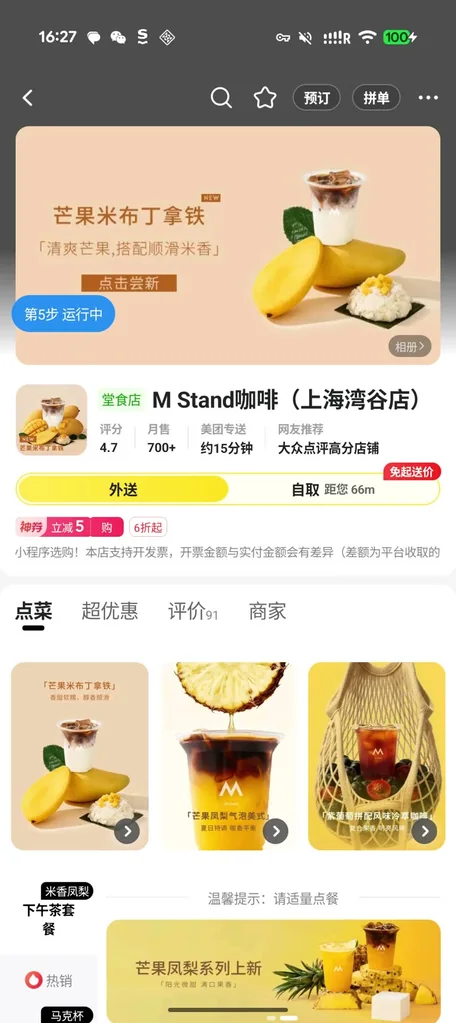
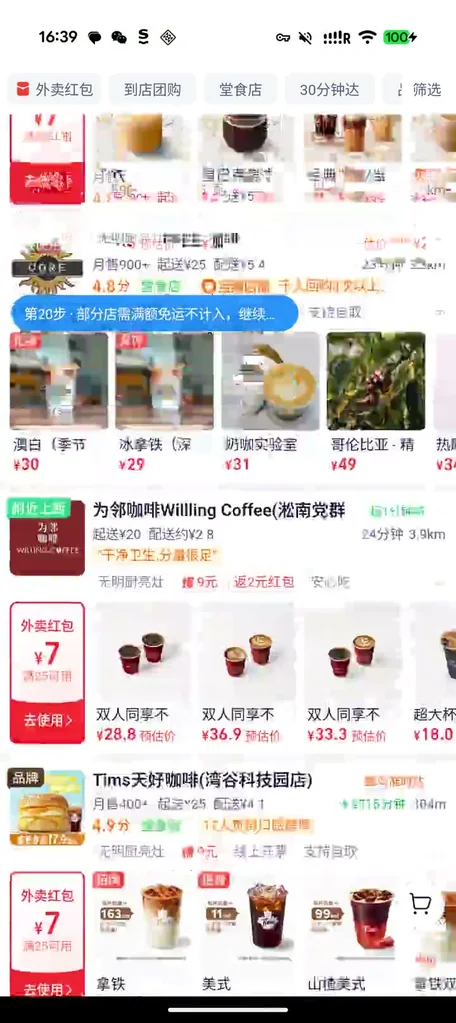
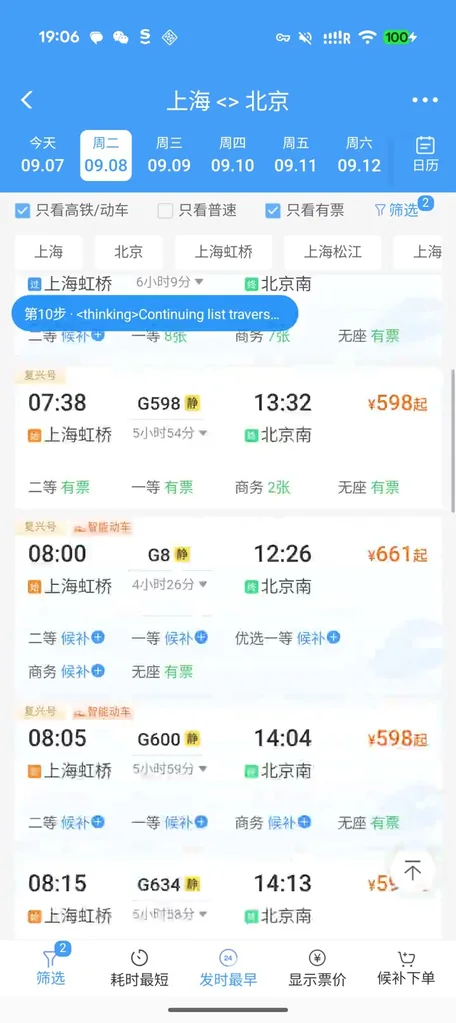
Most “phone agents” run in a cloud emulator. GA runs in your phone.
It operates the apps you are logged into, on the device in your hand.
On-device native apps
Not an emulator, not a web version. Vision + accessibility dual-channel screen reading: taps land, text is read in full; sensitive apps switch to a read-only vision path automatically.
Real login state
Bills, orders and saved addresses are all there — so it can do “deliver to my default address” or “what did I spend this month”, things only your own phone can do.
State-grounded verification
Alarms, calendar, do-not-disturb, brightness: results are read back from system state, not from the model's own narration.
Confirmation gates & negative constraints
Ordering, paying, joining, sending — it stops and asks before irreversible actions. “Don't actually place the order” is treated as a hard boundary.
Interruption recovery
A system dialog pops up, the app gets backgrounded — it notices the foreground change, returns to the page and continues instead of claiming success.
Trajectories become experience
Every real-device run is distilled into an app playbook (SOP). The next similar task is faster and steadier — a continuously self-evolving loop.
Not a chatbot. It plans on-device, sees the screen, taps and types.
Tasks are broken into visible steps, executed one by one with live progress.
Widget detection and OCR recognize and tap controls directly on the screen.
If one provider fails, the next one takes over in order — the task is not interrupted.
Streaming speech-to-text: just say the task.
Allow “install unknown apps” on first install.
Settings → Providers & Models. Keys never leave the device.
The basis for reading the screen and operating other apps — on this device only.
Lets GA show its control bar and progress above other apps.
Every case is a complete screen recording on a Pixel 10 — no cuts.
From receiving the instruction to delivering the result, every step is on screen. Open a case to see the synchronized execution trace.
Cross-platform price check
Same americano on Taobao Flash and Meituan — order wherever it's cheaper, stop before payment.
Taobao Flash · MeituanRide-hailing, three tiers compared
Compare express / discount / premium fares, add the trip to the calendar, stop before “call now”.
Didi · Google CalendarTrain tickets + wake-up alarm
Find high-speed trains with seats, then set an alarm to catch the chosen one.
Railway 12306 · ClockConcerts to calendar
Filter October Shanghai concerts by price, sort by date, file them into the calendar.
Damai · Google CalendarThree questions on Alipay bills
Read this month's spending from the real bill, write the answers into a document.
Alipay · Google DocsSystem settings, verified
Lowest brightness, auto-brightness off, alarm in 20 minutes — then read back from system state.
Settings · Clock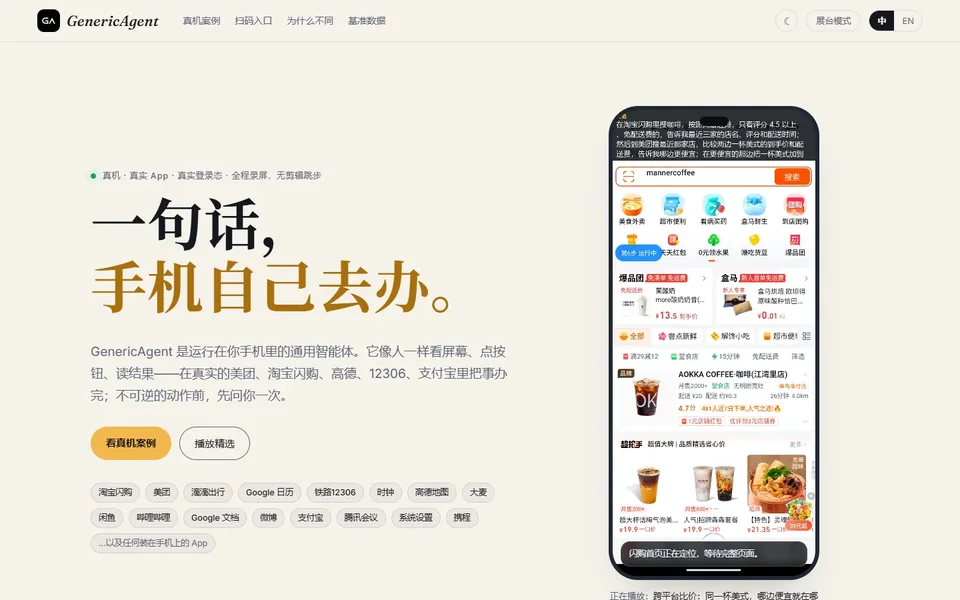
From your phone, command a remote computer.
The mobile app can also drive a remote GA on your desktop: draft a todo list, fill a spreadsheet, or run a long task on the big machine while you watch from the phone.
- Same agent loop, two devices
- Peer-to-peer relay, keys stay local
- Real recordings on the showcase site
Hand your phone to an agent.
Free and open. Keys stay on the device; sha256 is published for every build.